Listing Floor
Sign in
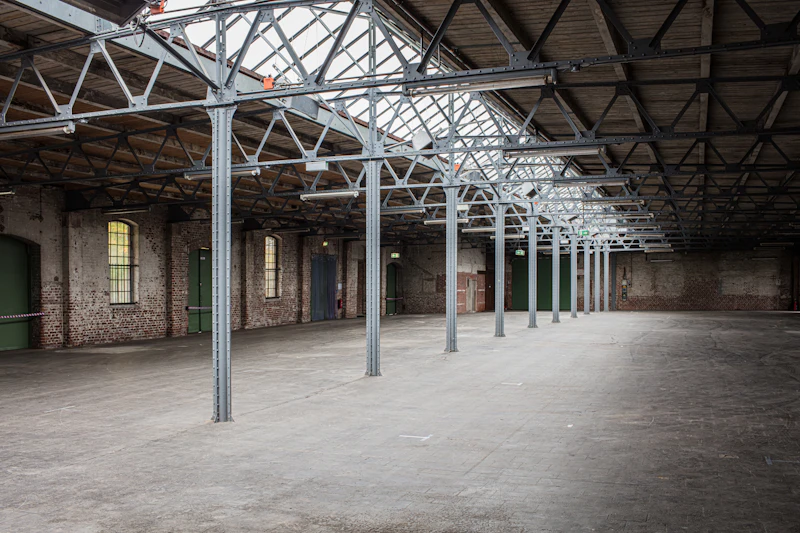
Warehouse aisle of racked crates and pallets, listings standing on the floor

Marketplace OS · sellers · buyers · operators

Published listings. Disputes on the floor.

Sellers publish crates. Buyers order published listings. Operators open disputes against paid orders. Resolve refused until review. A buyer cannot onboard sellers.

Crates on the aisle, not a lookbook.

Each published listing hangs a still of the stall. Drafts take no orders. Disputes open only against a paid order. Goods on the floor — not files, not downloads, not NFT.

Covered seller floor with stacked wooden crates under canvas
Stall 14 Hale · published crate
Listed · $86
Warehouse racks holding wooden pallets and sealed crates
Stall 7 Noor · packed lot
Listed · $42
Seller floor with garment rails and packing table
Stall 9 June · disputed rail
Dispute
Empty warehouse floor waiting on a draft stall
Stall 3 Imani · draft
No order

Publish rule

No seller, no listing. No listing, no order.

A stall stays draft until the seller is active. Buyers order published listings only. A dispute cannot open without that order. A buyer cannot onboard sellers.

DraftPublishedSoldWithdrawn

Not Dropmarket. Not Vault downloads. Goods on the aisle.

Packing benches and yellow crate bins behind paid orders Packed · stall 7
Dispute desk with notebooks and laptops under review LF-8841 · review

Operator clerk

Resolve refused until review.

Mira stamps the crate after the desk has read the order. Dispute resolve is refused until that review. A disputed crate is not captured twice.

Buyer cannot onboard sellers · operator only

Open disputes

Seller

Publish the crate

  • Seller must be active before publish
  • Listing still hangs on the stall
  • Withdraw takes it off the aisle
Open listings

Buyer

Order the listing

  • Order binds a published listing
  • Pay captures the order total
  • Cannot onboard sellers
Open orders

Operator

Review, then stamp

  • Dispute requires a paid order
  • Resolve refused until review
  • Buyer cannot onboard sellers
Open disputes

Take payment

Charge the unpaid order. Hold the disputed crate.

The till reads the unpaid order total. It does not take a typed amount. A draft listing still cannot take an order.

  1. Stripe CheckoutCard on Stripe. Amount from the unpaid order row.
  2. Server totalAsk sits on the published listing. The till does not take a typed amount.
  3. CapturedStripe marks the order paid. Packing can seal the crate. Open disputes stay under review.

Publish the stall. Charge the order. Review the dispute.

Open a stall